Table of Contents
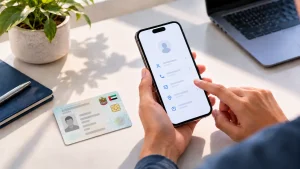
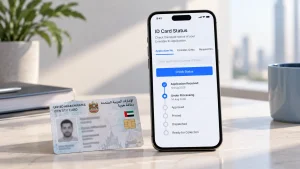
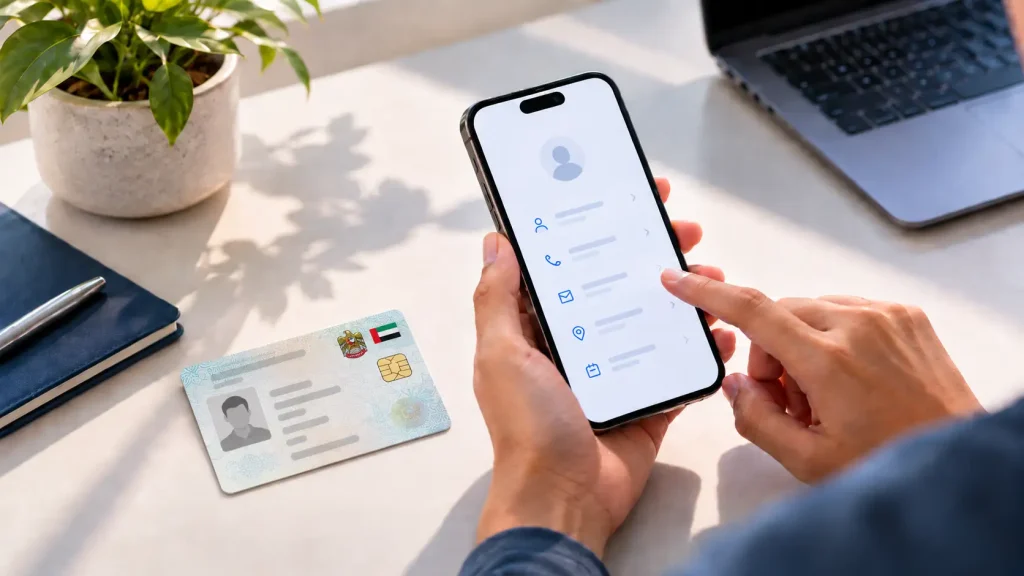
When it comes to updating your Emirates ID details, most contact detail changes, mobile number, email, and address, can be updated online through ICP Smart Services in a few minutes. Changes to your name, passport details, photo, or occupation are different: these are printed on the card, so they go through your residence permit first and result in a new physical card.
This guide covers exactly which changes go where, what each route costs, and what to do if an update fails.
When You Must Update (Within One Month of a Change)
ICP requires cardholders to report any change to their Emirates ID details within one month of the change, confirmed on the official Updating Details on Emirates ID page. This applies to both citizens and expatriate residents.
Miss the window (ICP’s fine schedule counts it as 30 days) and the same daily fine structure used for late renewals applies: AED 20 per day, capped at AED 1,000. ICP’s wording is “prescribed personal or civil data” and it does not list which fields count, so treat any change as reportable.
SPC Free Zone’s guide to Emirates ID renewal for expats covers the same fine structure in more detail if you are also close to a renewal deadline.
Update Your Mobile Number
Via the ICP Portal or App (Online)
Log in to ICP Smart Services or the UAEICP app with UAE Pass, open the Data Update service, and enter your new number. ICP sends an OTP to the new number to confirm it before the change goes live. The official Data Update service page lists a smart service fee of AED 50.
Only a UAE mobile number can be registered. A foreign number will not be accepted, and the number must be one you can actually access to receive the OTP.
Update Your Email and Address (Online)
Email and address fall under the same Data Update service as mobile number, and use the identical process: log in via UAE Pass, open Data Update, and edit the relevant field. Since these are non-essential data, no in-person visit or new card is triggered, and the AED 50 smart service fee covers all fields updated in the same session.

Change Your Name, Photo, or Occupation (In Person, New Card)
Name changes (for example after marriage), occupation updates, and a new photo are printed on the card, so your residence permit is amended first and the card follows. For visas issued outside Dubai, the amendment goes through ICP Smart Services, and once it is approved a replacement Emirates ID request is generated automatically. An occupation change can only be initiated by your employer, because the job title follows the MoHRE work permit. A surname change after marriage starts with a new passport in the new name, then the visa, then the card. ICP prices the replacement card for a data update at AED 150, with a five-day completion time.
Holders of Dubai-issued visas complete the amendment through GDRFA Dubai’s Amendment of all types of residence permit data service instead, online or at an Amer centre, and then apply for the updated Emirates ID through ICP. If in doubt which authority applies, the ICP Customer Happiness Centre locator is the fastest way to confirm before you travel to a specific branch.
Fees and Processing Time
| Update Type | Channel | Typical Fee | Processing Time |
|---|---|---|---|
| Mobile number, email, address | ICP Smart Services / app | AED 50 | Automatic once payment goes through |
| Name, photo, occupation | ICP Customer Happiness Centre | AED 150 (replacement card for a data update) | 5 days (ICP service standard) |
ICP fees are set centrally and can change. Confirm the exact figure for your update on the Data Update service page or with the centre directly before paying, rather than relying on a fixed number from any guide, including this one.
Troubleshooting Failed Updates
How SPC Free Zone Helps
Since your Emirates ID is directly tied to your residency visa, a mismatched detail (an old mobile number, the wrong occupation, an unreported address change) can hold up banking, visa renewals, or other transactions that check your file against ICP’s records. SPC Free Zone’s in-house team handles Emirates ID and visa processing for members directly, so updates go in with the correct supporting documents the first time rather than bouncing back for corrections.
This is particularly useful for changes that need an in-person visit, such as a name or occupation update following a role change within your own company.
For background on why the two records move together, see SPC Free Zone’s guide on how the Emirates ID links to your UAE residency visa. Members with questions about their own file, or who want the team to submit an update on their behalf, can reach out via Contact Us.
Want us to submit the update?
Tell us which detail changed and our team will handle the paperwork with ICP for you.
Frequently Asked Questions
Do I need to update my Emirates ID if I only changed my home address within the same emirate?
Yes. Any address change counts, regardless of distance, and the one-month reporting window still applies.
Can someone else submit the update on my behalf?
For family members, ICP says their details must be updated through the sponsor’s or head of family’s personal account. Otherwise the change is submitted from your own personal account.
If I update my mobile number, does my Emirates ID card need to be reprinted?
No. Mobile number, email, and address are non-essential data, so the physical card stays the same; only ICP’s system record changes.
Do I update my occupation myself after changing jobs?
No. Your new employer’s residence application carries the new job title, and the Emirates ID is reissued as part of that process. Your current card stays valid in the meantime.
Can I update printed details like my name while renewing my Emirates ID at the same time?
Yes. If you are already visiting a centre for renewal, mention the name or photo change upfront so it is processed in the same visit rather than as two separate transactions.